Girls Aesthetic Saree Prompt
GirlsAestheticChatGPT & GeminiSareeAestheticSoft Light
Full Prompt — Copy This
Identity: Preserve the uploaded photo's face exactly — facial structure, eyes, nose, lips, skin tone and expression. Do not beautify, reshape, blend or change the face in any way.

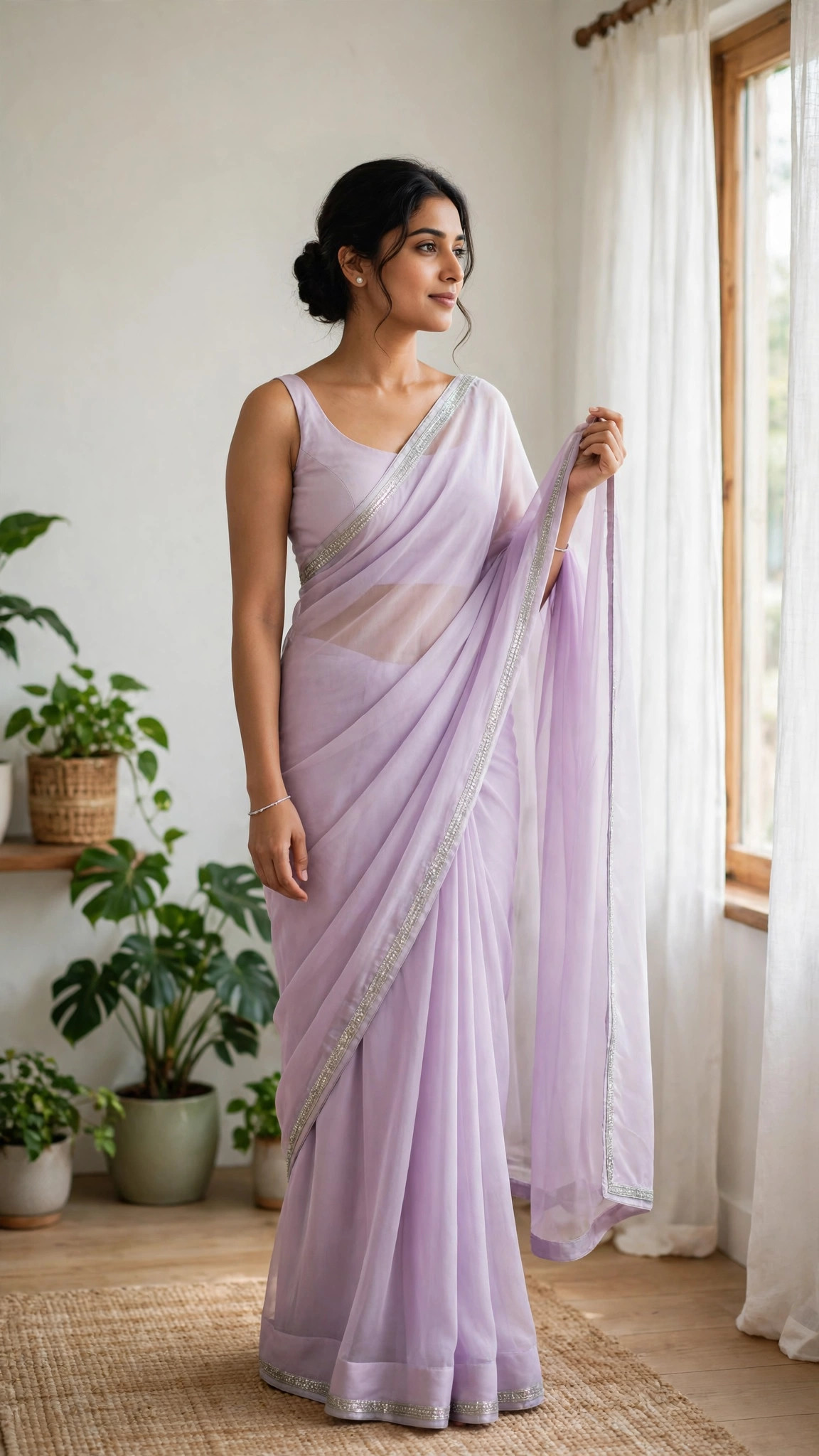
Pose / Anatomy: Physically correct, natural posture, correct hands, fingers, legs and feet. No fused limbs, no twisted joints, no floating bodies and no extra fingers. Stand near a window in a soft, relaxed pose, one hand holding the saree pallu, the other relaxed, feet naturally placed, calm and graceful.

Outfit / Accessories: A pastel lavender chiffon saree with a delicate silver border, a simple sleeveless blouse, small pearl earrings and a thin bracelet.

Environment / Lighting: A bright, airy room with sheer curtains, soft daylight, indoor plants and a plain light wall.

Camera / Composition: Vertical 9:16 frame, full-body shot at eye level, sharp focus on the face, soft daylight and gentle shadows.

Negative prompt: Wrong posture, distorted face, extra fingers, fused limbs, twisted joints, floating bodies, plastic skin, watermark, text on the image, cartoon look where not wanted, cropped feet where a full body is needed.

Priority: Correct anatomy and face identity first, then interaction, then cinematic finish.
What This Prompt Creates
A soft, aesthetic photo of you in a pastel saree near a bright window. It keeps your face as in your uploaded photo, and changes only the outfit, scene and finish described above.
How to Use
- Copy the prompt above.
- Open ChatGPT or Gemini in a new chat.
- Upload a clear, front-facing photo with good light.
- Paste the prompt and send it.
- Regenerate once or twice if needed, and change only one thing at a time.
Hinglish Summary
Aesthetic saree photo ke liye ye prompt use karo. Soft light, pastel colours aur calm look milegi.
Tips for a Better Result
- Use a clear photo — front-facing, in good light, no sunglasses.
- A plain or blurred background in your photo works best.
- Leave headroom above your head for the vertical crop.
- Add “no text, no watermark” if the result shows text or a watermark.
- Change colour, background, or pose one at a time — not all three together.
Best For
Instagram postDP
3 Variations
- Change colour: Change the saree to pastel peach.
- Change background: Move the scene to a rooftop with soft morning light.
- Change pose: Change the pose to looking out of the window over one shoulder.
Related Prompts
Girls · Diwali
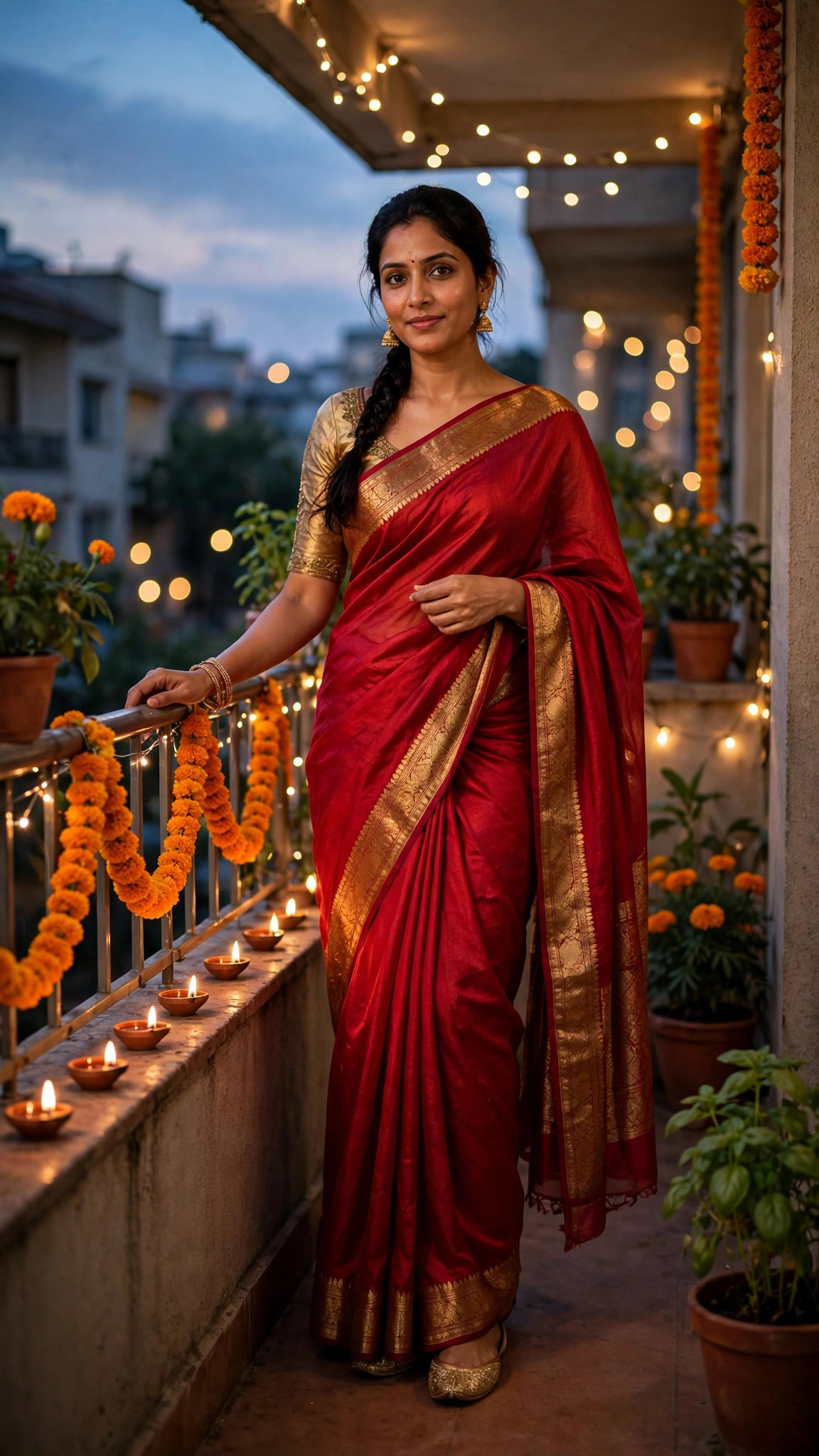
Girls Red Saree Diwali Balcony Prompt
A stunning Diwali portrait of you in a red silk saree on a decorated balcony in warm evening light.
DiwaliSareeFestive
View prompt →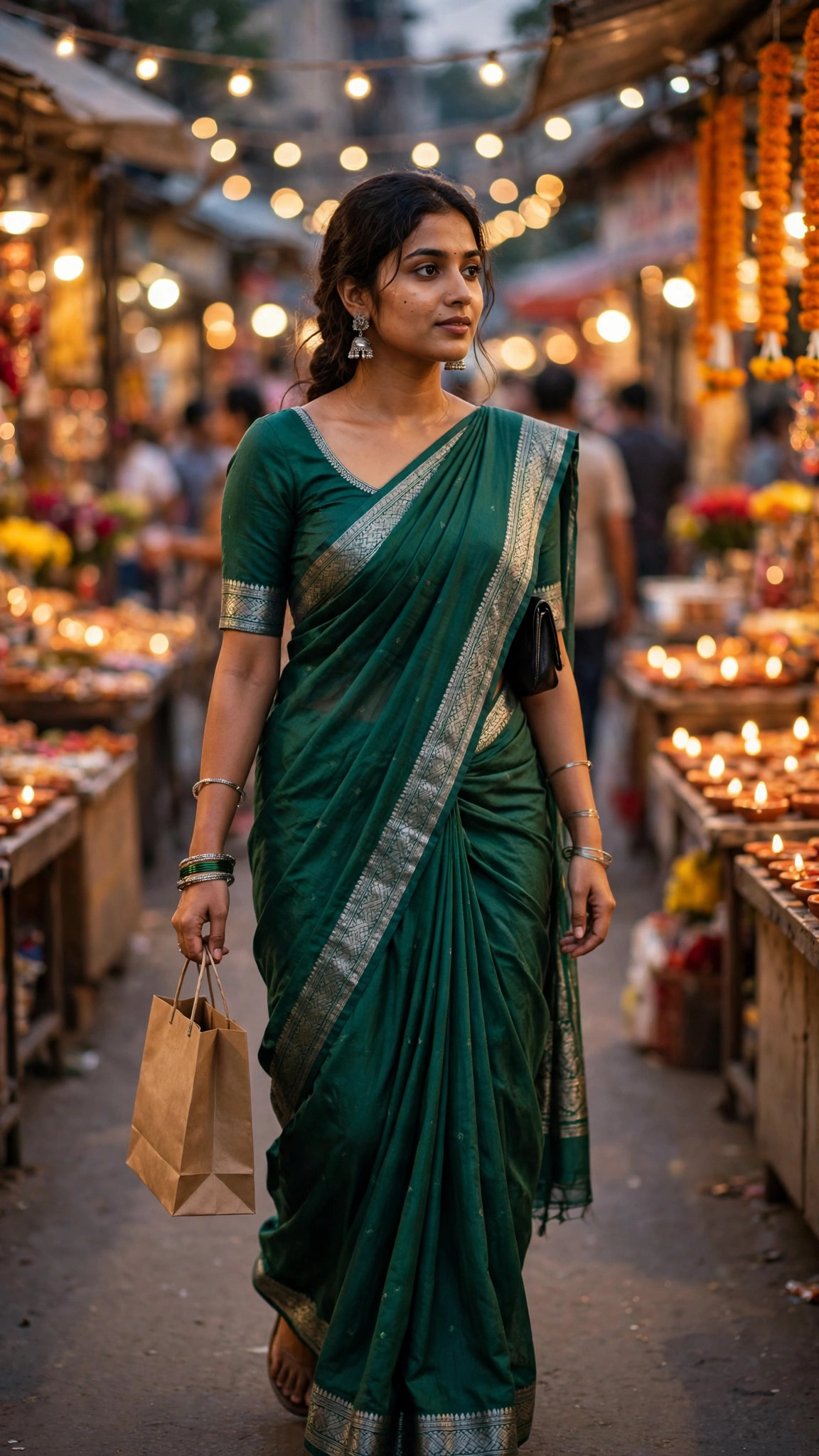
Girls · Diwali
Girls Green Saree Diwali Market Prompt
A lively Diwali shopping photo of you in a green saree walking through a festive market.
DiwaliSareeMarket
View prompt →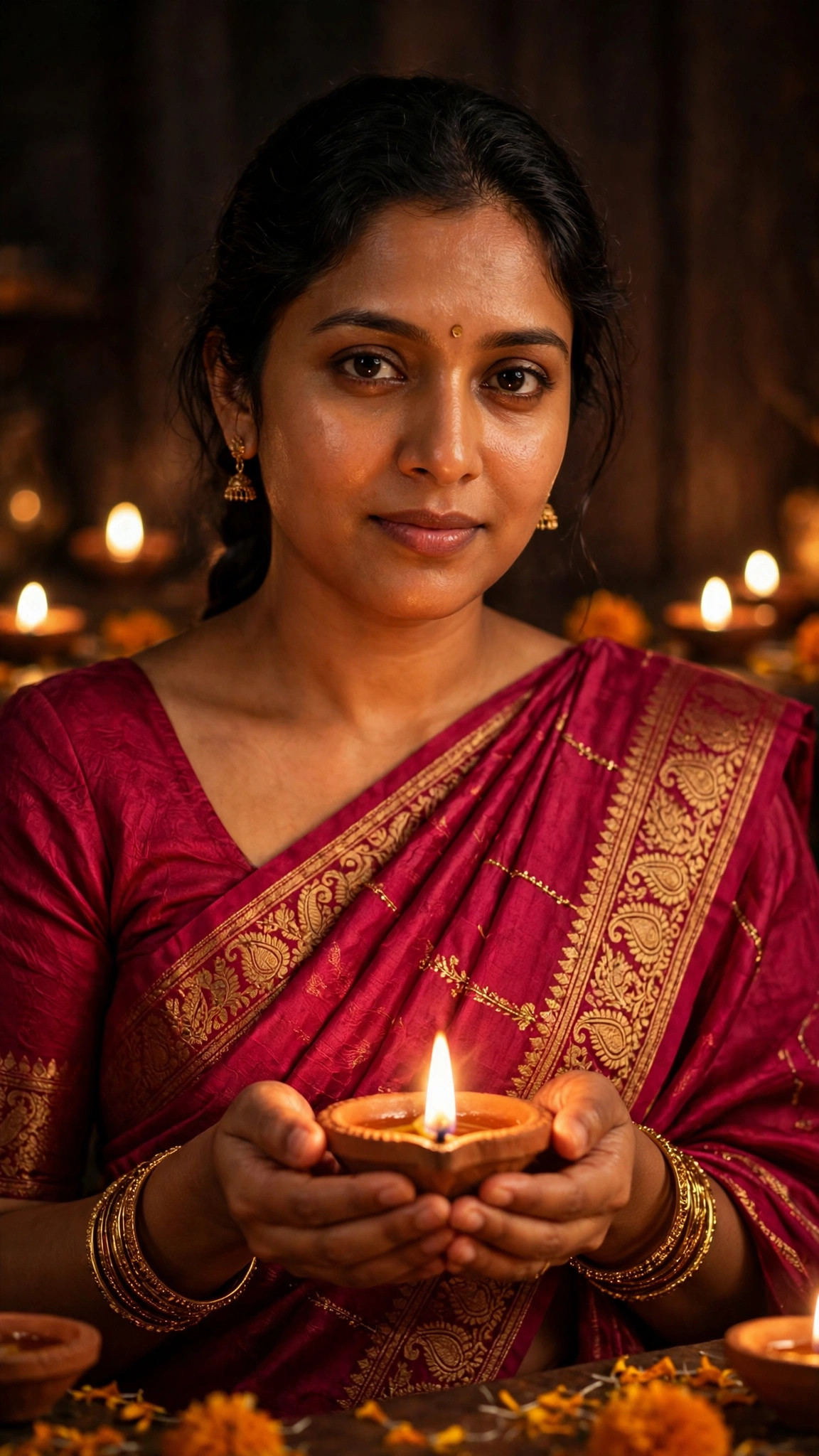
Girls · Diwali
Girls Diwali Diya Hands Prompt
A warm, glowing Diwali photo of you holding a lit diya in both hands.
DiwaliDiyaClose-up
View prompt →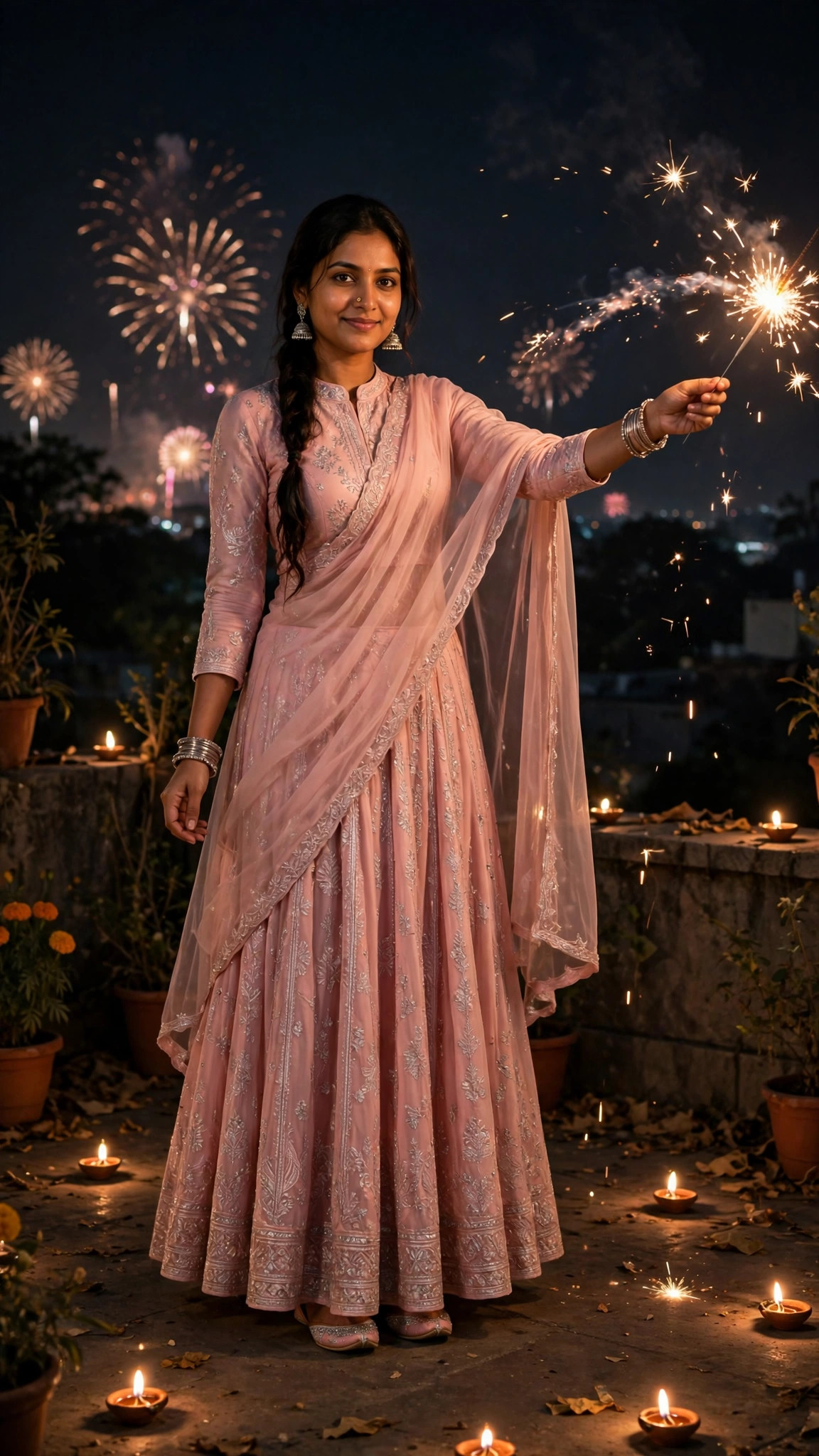
Girls · Diwali
Girls Pink Lehenga Sparkler Prompt
A magical Diwali night photo of you in a pink lehenga holding a sparkler under a dark sky.
DiwaliLehengaSparkler
View prompt →Published: 28 October 2026 · Updated: 28 October 2026