Boys LinkedIn Headshot Prompt
BoysProfessionalChatGPT & GeminiLinkedInHeadshotCorporate
Full Prompt — Copy This
Identity: Preserve the uploaded photo's face exactly — facial structure, eyes, nose, lips, skin tone and expression. Do not beautify, reshape, blend or change the face in any way.

Pose / Anatomy: Physically correct, natural posture, correct hands, fingers, legs and feet. No fused limbs, no twisted joints, no floating bodies and no extra fingers. Sit or stand upright facing the camera, shoulders square, chin level, arms relaxed and out of frame for a head-and-shoulders crop, calm confident expression.

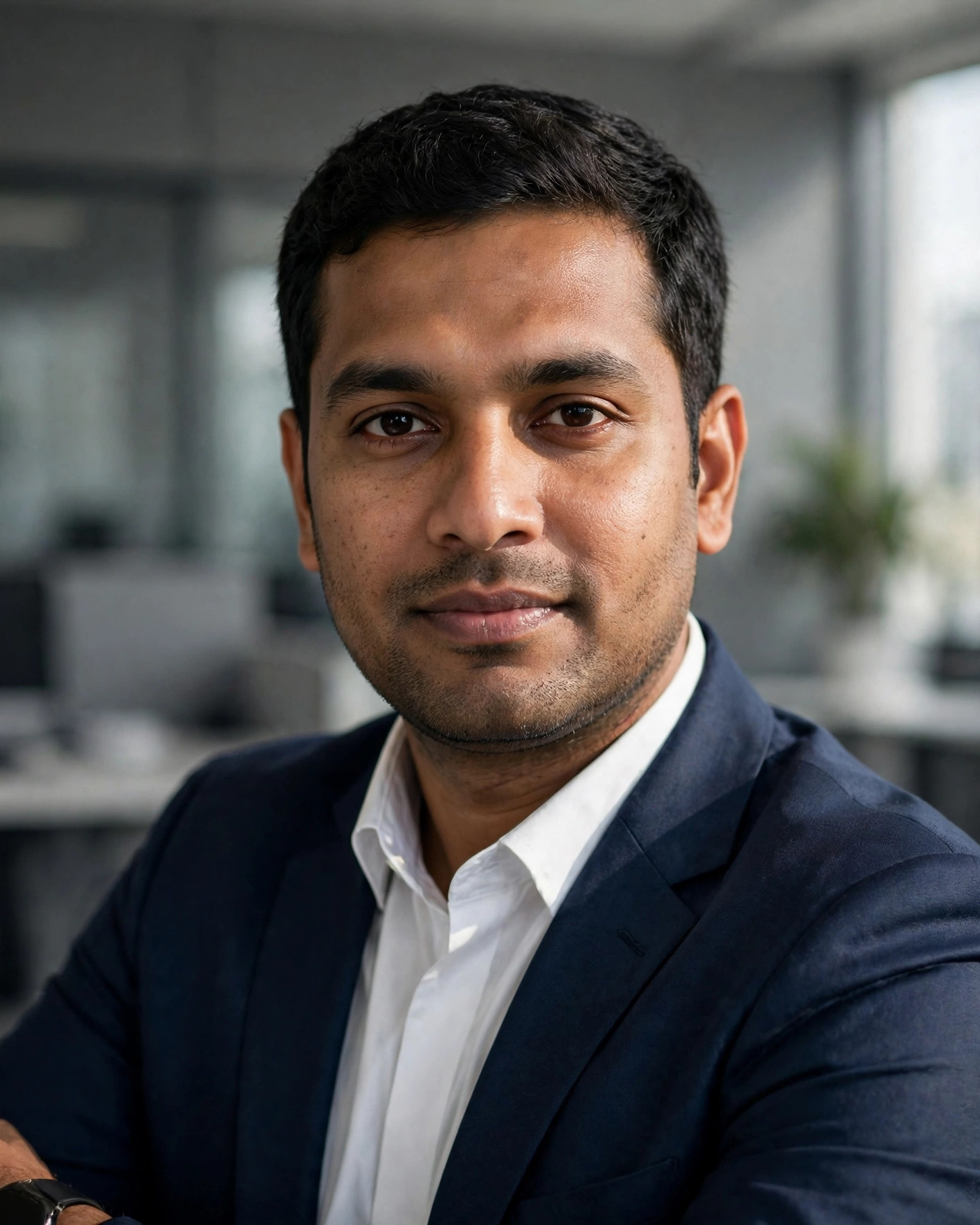
Outfit / Accessories: A navy-blue blazer over a crisp white shirt, no tie, neat collar and a simple dark watch.

Environment / Lighting: A clean, softly blurred modern office with neutral grey tones and gentle window light on one side of the face.

Camera / Composition: Vertical 4:5 frame, head-and-shoulders close-up at eye level, sharp focus on the eyes, even professional lighting.

Negative prompt: Wrong posture, distorted face, extra fingers, fused limbs, twisted joints, floating bodies, plastic skin, watermark, text on the image, cartoon look where not wanted, cropped feet where a full body is needed.

Priority: Correct anatomy and face identity first, then interaction, then cinematic finish.
What This Prompt Creates
A polished, professional LinkedIn headshot of you in a blazer, with a clean office background. It keeps your face as in your uploaded photo, and changes only the outfit, scene and finish described above.
How to Use
- Copy the prompt above.
- Open ChatGPT or Gemini in a new chat.
- Upload a clear, front-facing photo with good light.
- Paste the prompt and send it.
- Regenerate once or twice if needed, and change only one thing at a time.
Hinglish Summary
LinkedIn DP ke liye professional headshot chahiye to ye prompt use karo. Formal, clean aur trustworthy look milegi.
Tips for a Better Result
- Use a clear photo — front-facing, in good light, no sunglasses.
- A plain or blurred background in your photo works best.
- Leave headroom above your head for the vertical crop.
- Add “no text, no watermark” if the result shows text or a watermark.
- Change colour, background, or pose one at a time — not all three together.
Best For
LinkedIn DPProfessional profile
3 Variations
- Change colour: Change the blazer to charcoal grey.
- Change background: Move the scene to a plain light-grey studio background.
- Change pose: Change the pose to a slight three-quarter turn of the shoulders.
Related Prompts
Boys · Diwali
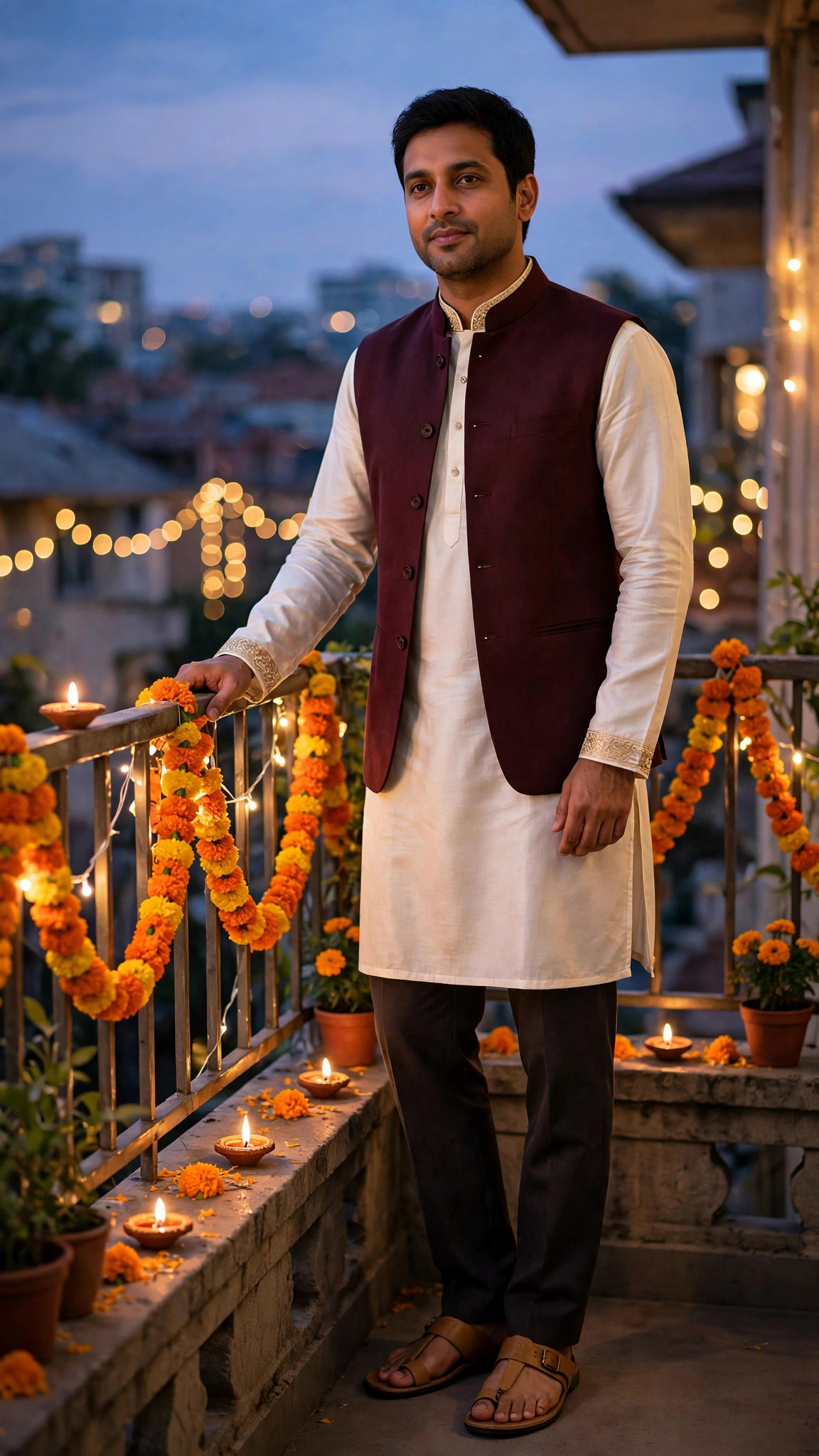
Boys Diwali Kurta Balcony Prompt
A festive Diwali portrait of you in a kurta and jacket, standing on a decorated balcony in warm evening light.
DiwaliKurtaFestive
View prompt →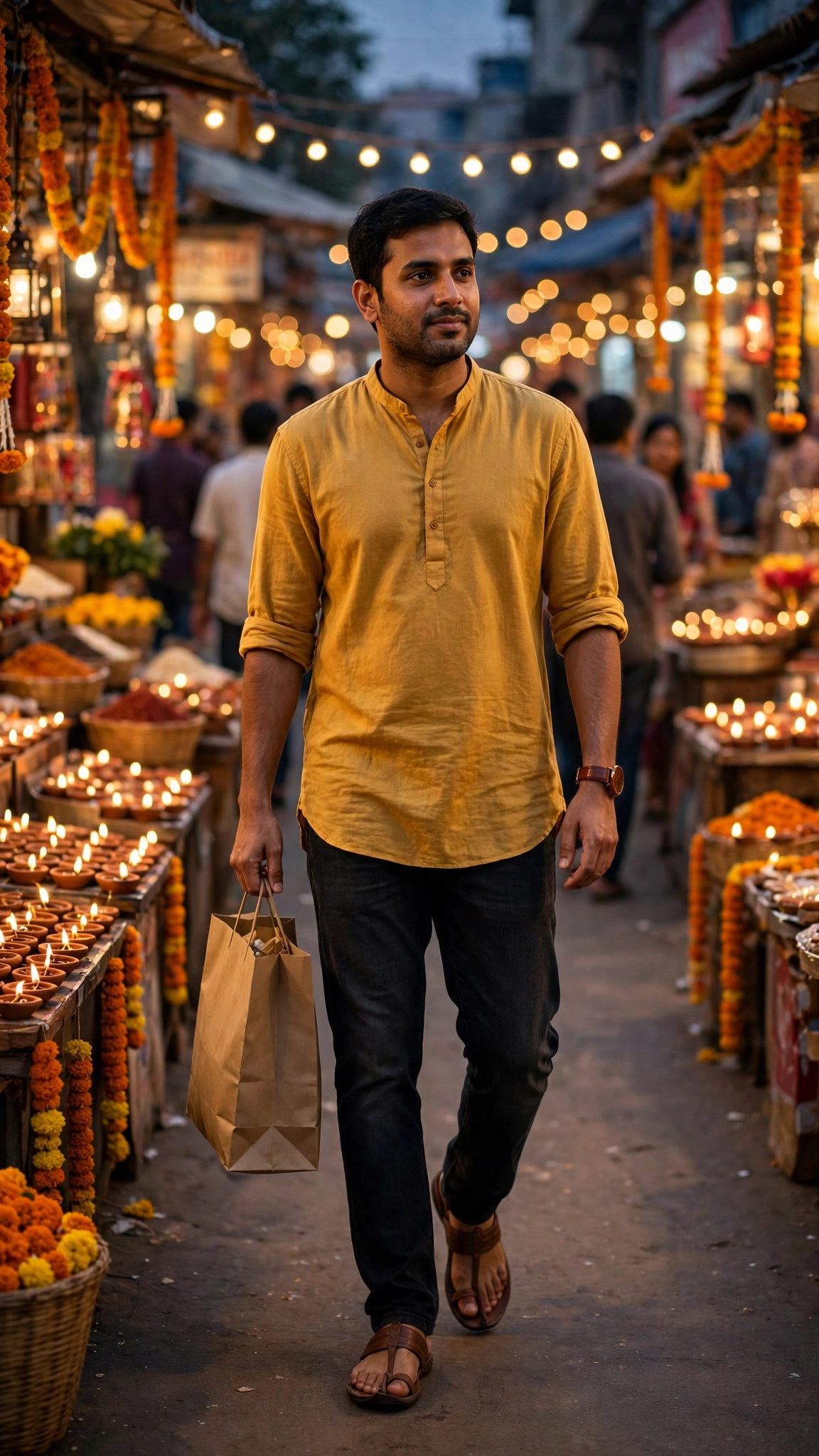
Boys · Diwali
Boys Diwali Market Shopping Prompt
A lively Diwali shopping photo of you walking through a festive market lane.
DiwaliMarketStreet
View prompt →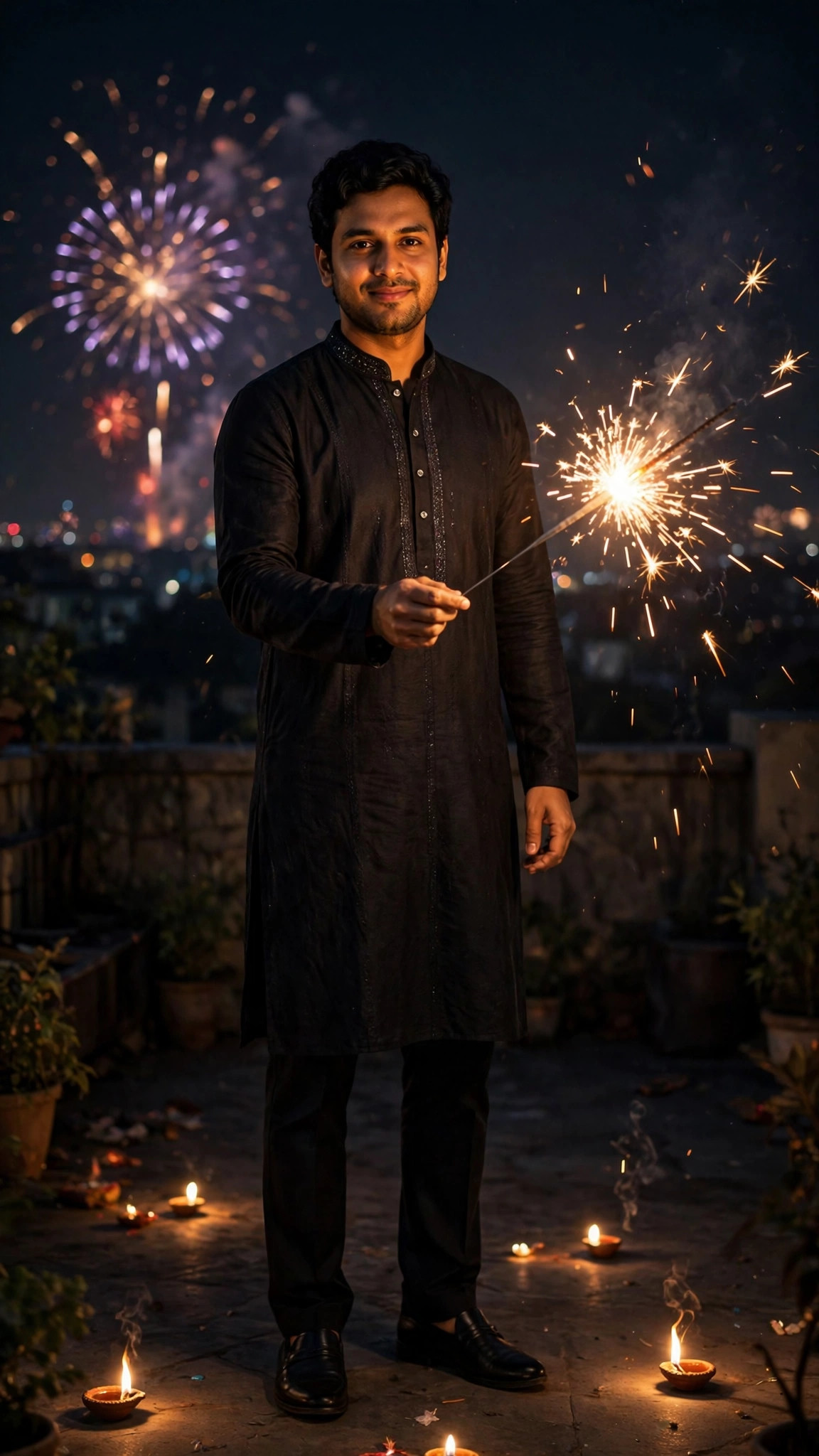
Boys · Diwali
Boys Diwali Sparkler Night Prompt
A magical Diwali night photo of you holding a sparkler under a dark sky.
DiwaliSparklerNight
View prompt →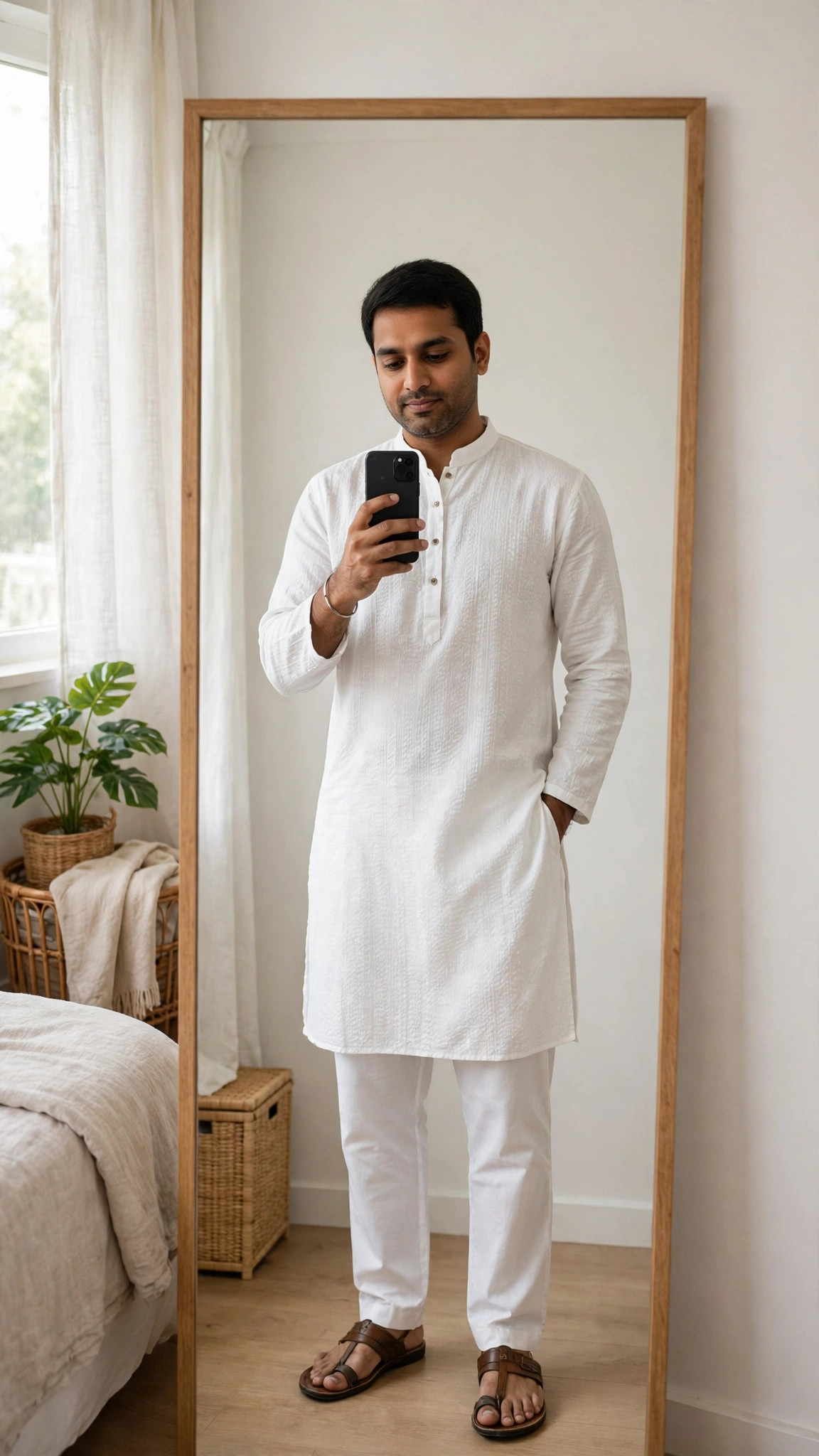
Boys · Festive
Boys White Kurta Mirror Selfie Prompt
A clean, stylish mirror selfie of you in a white kurta, ready for a festive post.
KurtaMirror SelfieTraditional
View prompt →Published: 28 October 2026 · Updated: 28 October 2026